Mr Kidman's Classroom



Revise the key ideas
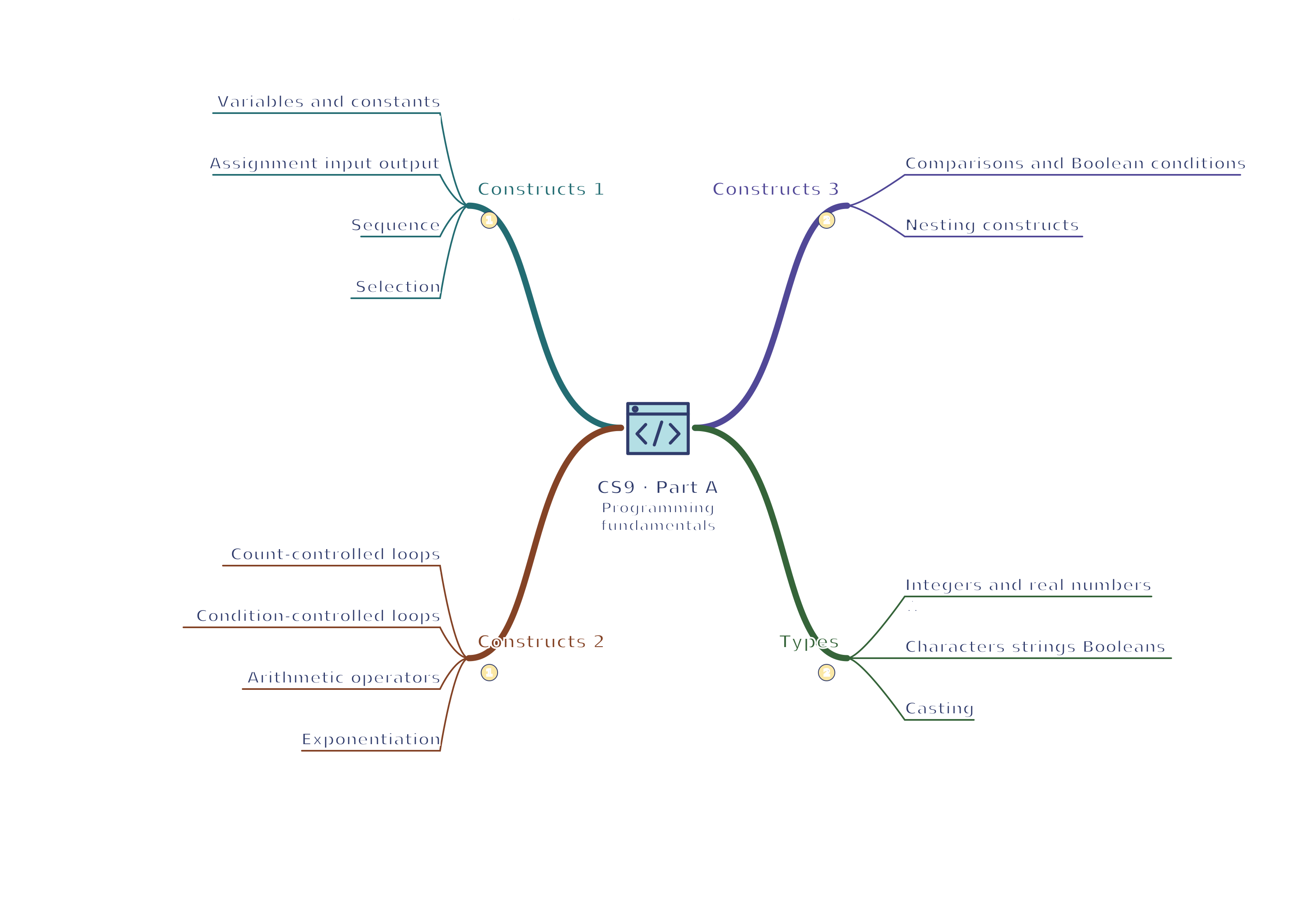
Basic constructs and types
- Variables and constants — A variable is a named storage location or binding whose value may change during execution. A constant represents a value intended to remain unchanged. Use meaningful names such as total rather than unrelated letters, and distinguish assignment from an equality test.
- Assignment input output — The assignment total = 5 stores a value; total = total + 2 updates it to 7. Input obtains data and output presents it. User input may be text and need conversion before arithmetic; displaying a value does not automatically store it for later use.
- Sequence — For x = 3, then y = x + 2, then x = 9, y remains 5 unless explicitly reassigned. Assignment copies or binds a value according to the language; it does not create an algebraic equation that automatically recalculates y when x changes.
- Selection — An if statement executes a branch when its condition is true; else handles the alternative and else-if can test another case. Conditions such as age >= 16 include the boundary. Put branches in a sensible order so a broad earlier condition does not hide a specific later one.
- Count-controlled loops — A for loop can process a fixed range or collection. In Python, range(1, 4) gives 1, 2, 3, excluding the stop value; other notations may include the endpoint. State the language or convention when tracing and avoid assuming all for loops share bounds.
- Condition-controlled loops — A pre-condition while loop may run zero times. An OCR do-until loop executes its body before checking its stopping condition, so runs at least once. Update variables so the condition can change; otherwise the program may never terminate.
- Arithmetic operators — Use addition, subtraction, multiplication and division with precedence and brackets. DIV gives an integer quotient and MOD gives the remainder: 17 DIV 5 = 3 and 17 MOD 5 = 2. Python uses // and % for these operations with non-negative examples here.
- Exponentiation — OCR Exam Reference Language uses ^ for exponentiation, so 3^2 gives 9. Python uses ** instead: 3 ** 2 gives 9; Python's ^ has a different meaning. Parentheses clarify combined calculations, such as (2 + 3) ** 2 giving 25.
- Comparisons and Boolean conditions — Equality, inequality and order comparisons produce Boolean values. AND requires both conditions, OR requires at least one, and NOT reverses a condition. Parentheses make combined tests clear; assignment and comparison may use different symbols depending on the language.
- Nesting constructs — An outer loop can visit rows while an inner loop visits columns; an if inside the inner loop can select cells meeting a condition. The inner loop completes for each outer iteration. With two rows and three columns, processing every cell takes six inner-body executions, not five.
Python nested loops and selection grid = [[2, 5], [7, 9]] total = 0 for row in grid: for value in row: if value >= 5: total = total + value print(total)Outputs 21. The inner loop visits both columns for each row; the decision excludes 2.
Data types
- Integers and real numbers — An integer stores a whole number such as -4; a real or floating-point type can represent fractional values such as 2.5, often approximately. Choose a suitable type for counts versus measurements. A digit sequence stored as text is not automatically a numeric value.
- Characters strings Booleans — A character is a single symbol; a string is a sequence of characters; a Boolean is true or false. A postcode is normally a string because its structure matters and arithmetic is not meaningful. Some languages, including Python, represent a character using a one-character string.
- Casting — Casting converts a value where possible, such as text '12' to integer 12. Converting invalid text such as 'twelve' may fail, and converting a real to an integer may discard its fractional part depending on the language. Validate or handle failure rather than assuming every input is convertible.
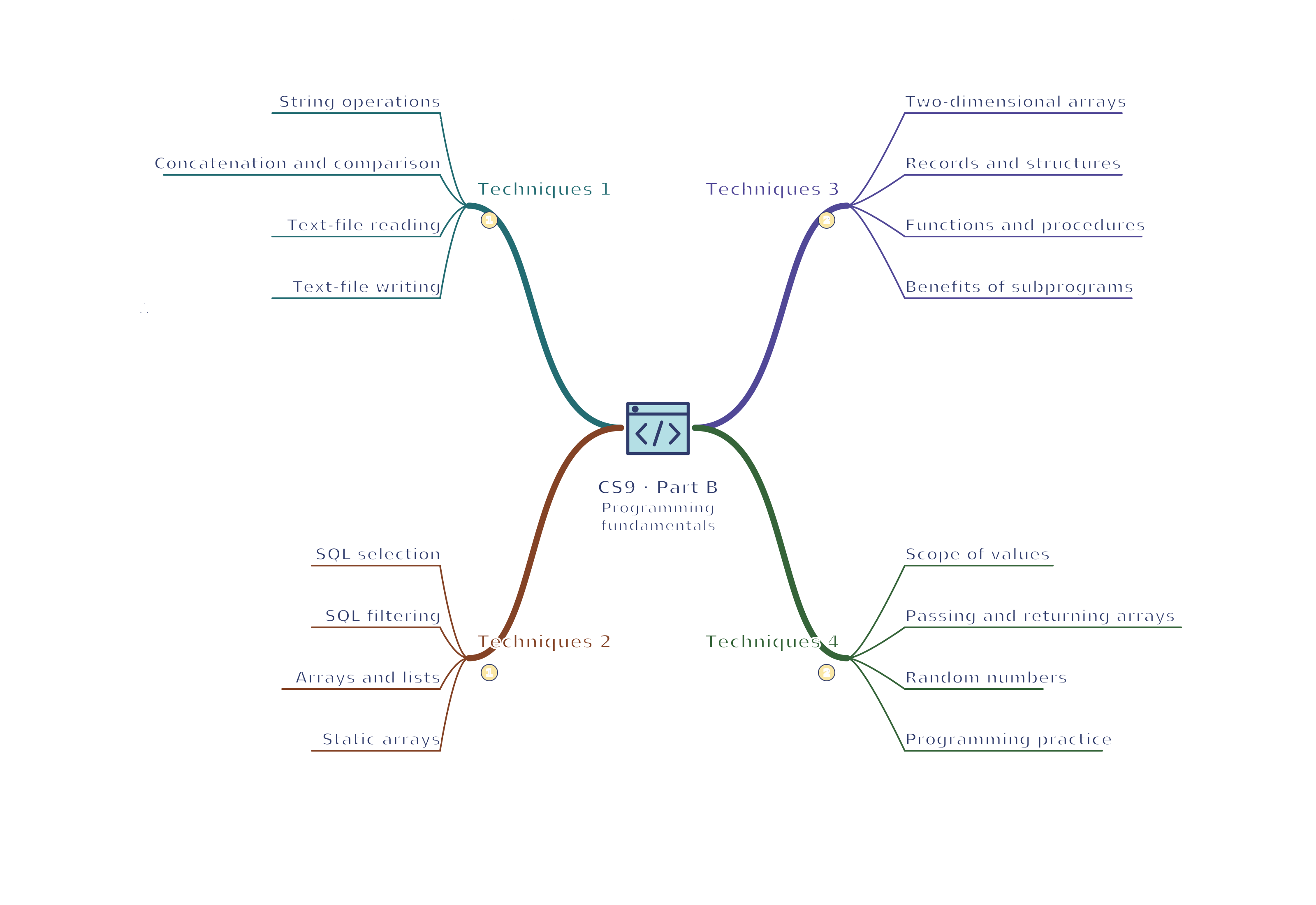
Additional techniques
- String operations — A string has a length and ordered characters. In zero-based notation 'CODE' has length 4, and position 0 is C. Python text[1:3] returns 'OD', excluding index 3. OCR substring notation uses a start and length, so identify the convention in each example.
- Concatenation and comparison — Concatenation joins strings: 'CS' + '9' gives 'CS9'. This differs from 9 + 1 = 10. String equality may be case-sensitive, so 'Yes' and 'yes' can differ until deliberately normalised. Choose whether case should matter for the intended input.
- Text-file reading — A program can open a file, read a line or lines, process values and close it. Check end-of-file rather than expecting unlimited lines. Reading text does not automatically convert it to a number; formats and line endings need appropriate handling.
Python text-file handling with open("scores.txt", "w", encoding="utf-8") as file: file.write("6\n9\n4\n") total = 0 with open("scores.txt", "r", encoding="utf-8") as file: for line in file: total = total + int(line.strip()) print(total)Outputs 19. This writes fictional integer records then reads them. The with blocks close the file; only use this filename in a practice folder because w overwrites it.
- Text-file writing — Writing can create or replace content; append adds to existing content when that mode is selected. Close the file to release resources and ensure buffered data are handled. Specify the mode so a results log is not unintentionally replaced each time.
- SQL selection — SELECT name FROM Students WHERE score >= 50 retrieves names for matching rows. SELECT names output fields, FROM identifies the table and WHERE supplies a condition. It does not by itself change those records. Examples use fictional tables and data.
- SQL filtering — For fictional Products, SELECT name, price FROM Products WHERE price < 10 selects those fields only for qualifying rows. Text values are quoted, and AND or OR can combine conditions. A row failing the condition is excluded rather than output with a blank value.
- Arrays and lists — A one-dimensional array holds a sequence of items accessed by index. In a zero-based scores array [6, 9, 4], scores[1] is 9. Bounds run from 0 to length - 1; requesting index 3 is outside this example. A list may have language-specific resizing behaviour.
- Static arrays — The course's array model includes fixed-length or static structures: allocating ten items gives indexes 0 to 9 in zero-based notation. Assigning an element changes its value, not necessarily the declared length. Python lists are a practical equivalent in examples but can resize, so distinguish that language behaviour.
- Two-dimensional arrays — A grid such as [[2, 5], [7, 9]] uses two indexes. With row then column and zero-based indexing, grid[1][0] is 7. Nested loops can visit each cell. State index order; swapping row and column changes which value is accessed.
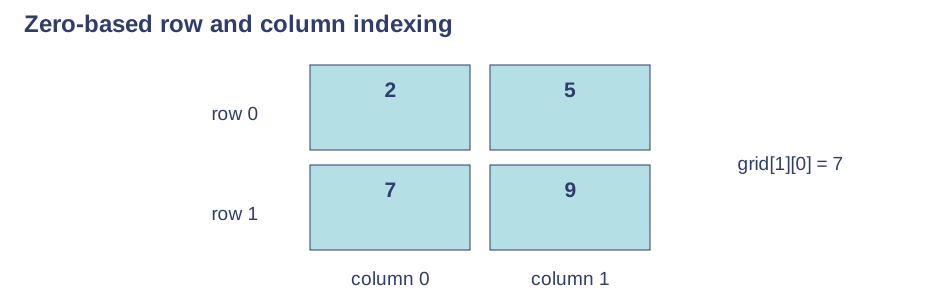
Use the labels alongside the associated explanation. - Records and structures — A record groups fields such as a pupil name, age and attendance flag. This differs from one simple array of interchangeable values. Select fields by their names and choose appropriate types, making related data clearer than disconnected variables.
- Functions and procedures — A function returns a value, such as square(4) returning 16; a procedure is used for a task without a returned result in the GCSE distinction. Parameters supply inputs, arguments are the actual values passed, and local variables belong to that call. Printing a value and returning it are different.
- Benefits of subprograms — Subprograms reduce duplicated code and allow parts to be tested separately. A change to one calculation can update all callers. Give each a clear purpose and interface; excessive dependence on shared global state makes reasoning and testing harder.
- Scope of values — Local variables or constants belong to a subprogram's scope; separate calls can have independent working values. Global names are accessible more widely under the language's rules. Passing inputs explicitly makes dependencies clearer than modifying unrelated global values; a local name can hide a same-named outer value.
- Passing and returning arrays — A function can take an array as a parameter and return a calculated result or another array. In the Python example, passing a list allows the function to inspect its elements; changing it in place can affect the caller's list. Returning a new filtered list makes that effect explicit rather than assuming all languages copy arrays automatically.
Python collection parameters and a return value def passing_scores(scores, threshold): result = [] for score in scores: if score >= threshold: result.append(score) return result marks = [42, 50, 71] passed = passing_scores(marks, 50) print(passed) print(marks)Outputs [50, 71] then [42, 50, 71]. The function returns a new list and leaves the supplied list unchanged.
- Random numbers — A random-number operation selects a value from a stated range. For an inclusive integer range 1 to 6, 6 is a possible result. Random values make tests less repeatable, so use controlled examples when checking logic; random does not mean every possible value appears in a short run.
- Programming practice — Write a quiz or data-processing program using variables, selection, loops, an array and subprograms. Explain input validation and file behaviour, trace its state and test it. In Paper 2 Section B, write or refine code in OCR Exam Reference Language or a familiar high-level language, not an unexplained diagram alone.