Explain systems and solve computing problems. The 30 quick questions support recall and application; practise full algorithms, programs and evaluations using the PLC tasks.
Revise the key ideas
Networks and hardware
LAN and WAN — A local area network covers a limited area such as a school site and is typically managed by one organisation. A wide area network connects over a large geographical area, often using external communications infrastructure. The distinction concerns scope, not simply the number of computers.
Network benefits and costs — Networks can share printers, files, internet access and services, and enable communication. They also require equipment and management; outages and unauthorised access can affect many users. Explain the resource being shared and the consequences for the organisation.
Performance factors — Bandwidth is the maximum data-transfer capacity of a connection. More simultaneous users or large transfers can increase contention and reduce each user's throughput. Transmission medium, interference, signal strength, hardware and server capacity also affect performance.
Client-server roles — A server provides services such as file storage, authentication or web pages; clients request and use them. Central administration, backups and permissions can be easier, but the server is a cost and a possible point of failure. A client can process data too.
Peer-to-peer roles — In a peer-to-peer arrangement computers share resources directly without depending on a dedicated central server for those resources. It can suit small networks with low initial cost, but permissions, backups and availability are harder to coordinate as the network grows.
NIC and transmission media — A network interface controller allows a device to join a network. Wired links use media such as copper cable or optical fibre; wireless links use radio signals. An interface and the medium have separate roles: the medium carries the communication.
Switches and access points — A switch forwards traffic to the appropriate local wired destination using addressing information. A wireless access point provides wireless devices with access to the wired network. An access point is not by definition the device that connects two different networks.
Routers — A router connects networks and forwards packets towards their destination using IP addressing. A home box may combine router, switch and wireless access-point functions. Distinguish each function rather than assuming those terms always mean the same thing.
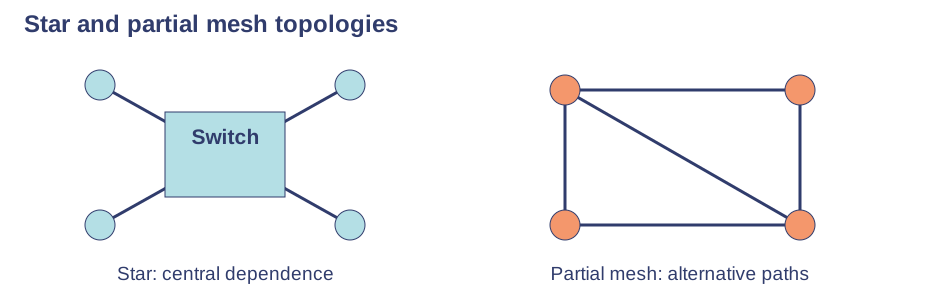
Star topology — A star network connects nodes through a central switch or other central device. One failed device link usually leaves the others working, and adding devices is straightforward. Failure of the central device disrupts the connected network; cabling and central hardware add cost.Use the labels alongside the associated explanation.
Mesh topology — In a mesh, nodes have links to several others; a full mesh connects every pair, while a partial mesh has fewer links. Alternative paths improve resilience to some link failures. More links increase cost and management complexity; mesh does not mean failure is impossible.
Internet services
The internet and web — The internet connects networks worldwide. The World Wide Web is a service delivering linked pages over it; email and other services also use the internet. A browser requests pages from a web server, so the internet and web are not synonyms.
DNS — A domain name service uses cooperating domain name servers to find the IP address associated with a name. This lets users use memorable names. DNS locates an address; it does not itself send the entire web page to the browser.
Hosting and web servers — Hosting provides server resources for a website. A web server responds to requests for pages or other resources; the browser is a client displaying and interacting with them. A website can be hosted on remote hardware rather than the author's own computer.
The cloud — Cloud services supply storage, applications or computing resources over a network. Users may access files from different places and providers may scale resources, but availability, connection quality, ongoing cost, privacy and dependence on the provider matter.
Connections and rules
Ethernet and Wi-Fi — Ethernet uses a wired connection, often with predictable performance and less radio interference. Wi-Fi enables movement without a cable but shares radio bandwidth and can suffer interference or range limits. A scenario may need both rather than a universal best connection.
Bluetooth — Bluetooth can connect nearby peripherals such as headphones with relatively low power consumption. It generally suits short-range links rather than the main high-throughput backbone of a school network. Range and performance depend on equipment and conditions.
Encryption — Encryption transforms plaintext into ciphertext so an interceptor without the necessary key cannot readily understand it. Decryption reverses the transformation with the appropriate key. Encryption protects confidentiality; it does not stop all interception, outages or misuse by an authorised recipient.
IP addresses — An IP address identifies a network endpoint for routing. IPv4 is commonly written as four decimal numbers from 0 to 255, such as 192.0.2.10; IPv6 uses a larger address space commonly written in hexadecimal groups. IP addresses and MAC addresses serve different addressing roles.
MAC addresses — A MAC address identifies a network interface on the local network and is commonly written as six hexadecimal byte pairs, such as 02:1A:2B:3C:4D:5E. Manufacturers normally assign one, but software can change or randomise it, so do not treat it as guaranteed proof of identity.
Standards and protocols — A standard specifies agreed conventions so products can work together. A communications protocol defines rules for exchanging data, including format and handling. Devices from different manufacturers need compatible rules rather than merely having the same cable shape.
TCP and IP — IP addresses and routes packets between networks. TCP manages reliable ordered delivery, detecting missing data and arranging retransmission where needed. Describe their distinct roles; sending packets does not mean they always arrive first time or in order.
HTTP and HTTPS — HTTP supports requesting and transferring web resources. HTTPS protects the HTTP exchange using encrypted transport, reducing exposure to interception and tampering. HTTPS does not prove that a website is honest or that all files it offers are harmless.
FTP and email protocols — FTP transfers files. SMTP sends email between clients and servers or between servers. POP retrieves email, commonly downloading messages to a client; IMAP keeps messages on the server and synchronises access across clients. Their purposes differ even when they all use a network.
Protocol layers — Layering divides communication into related stages with defined interfaces. A layer can be changed without redesigning every other stage if interfaces remain compatible. This supports troubleshooting and interoperability; the J277 requirement is the concept and benefits, not memorising every TCP/IP layer name.
Test yourself
30 questions · Random sets of 10. These quick checks support revision; practise longer explanations and justified judgements too.
Mind map
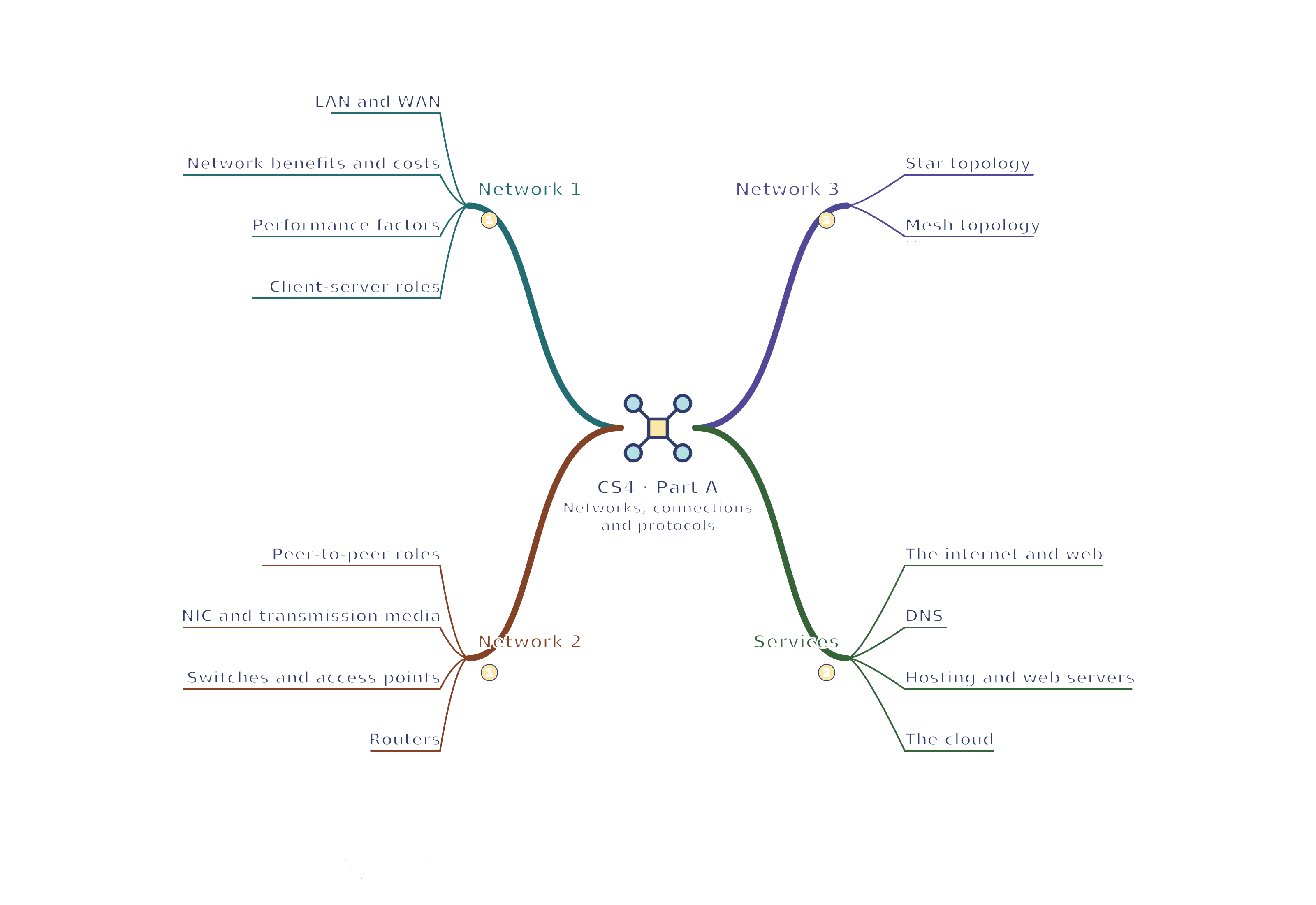
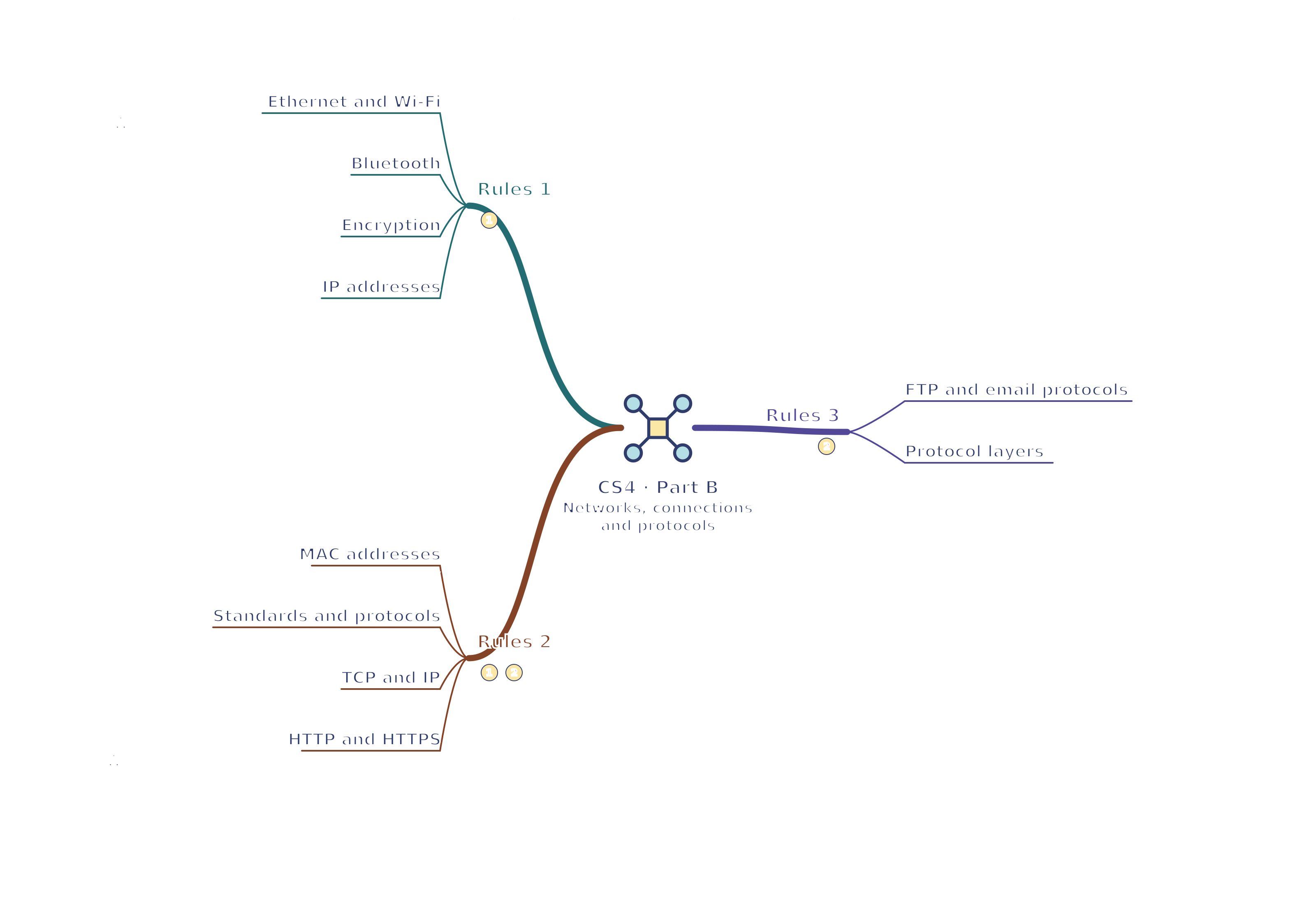
Use the branches to recall the ideas and explain their connections. Check the revision notes for the full detail.
 Mr Kidman's Classroom